

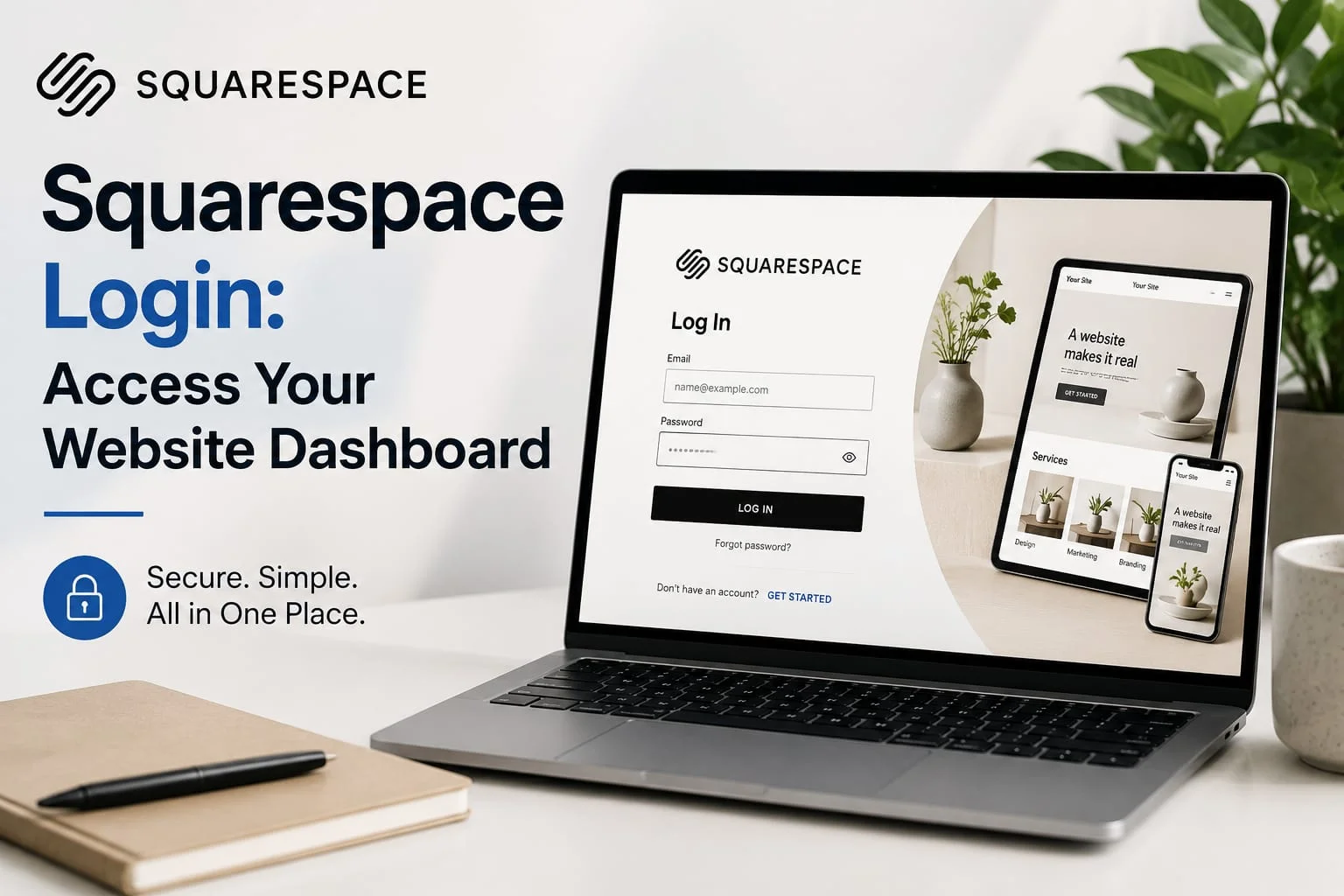
Managing your website’s admin portal should feel simple, but account credentials, custom domains, and multi-site dashboards can sometimes create unexpected challenges. Quick backend access is important for keeping workflows smooth, making design changes, reviewing analytics, and managing online stores without unnecessary delays.
This guide covers the main ways to access your backend dashboard, security practices for protecting your site, methods for managing multiple websites, and practical solutions for common account access problems.
Understanding the Squarespace Account Structure
Accessing your website starts with a central account that connects your identity with your digital properties. Unlike traditional self-hosted content management systems where every installation has its own admin page, Squarespace uses a centralized account system.
When you sign in, your credentials provide access to a central dashboard containing:
- Active Websites: Sites currently operating under paid subscriptions.
- Trial Projects: Temporary sites used for testing designs or preparing new ideas.
- Parked Domains: Domains registered or transferred to the platform without an active website subscription.
- Collaborator Access: Websites where you have received specific permissions from another owner.
Since your identity connects to multiple properties, understanding how login options work with individual domains makes managing one or several websites much easier.
Primary Ways to Access Your Website
Depending on your device and workflow, there are several simple ways to open your website’s editing area.
1. The Central Account Portal
The easiest way to access all websites connected to your account is through the main login portal:
- Visit
account.squarespace.comor select the Log In option from the main website. - Enter the email connected to your account or select an available SSO option such as Google, Apple, or Facebook.
- After successful authentication, you will reach your Account Dashboard, where websites linked to your profile are displayed.
2. Direct Website Shortcut
If you are viewing your public website and want to quickly access its editing interface:
- The Keyboard Shortcut: Open your website in a browser and press the
Esckey. If you are already signed in, this can open the editing interface directly. - Direct URL: You can also add
/configto the end of your website address, such as[yourdomain.com/config](https://yourdomain.com/config). When authenticated, this can take you directly to the site management area.
3. Mobile App Access
For website management while away from your computer, Squarespace also provides mobile apps for iOS and Android. Mobile authentication follows standard security practices and may support options such as Face ID or fingerprint access after the initial sign-in.
Authentication Methods: Security and Convenience
Selecting the right login method can help balance account security with everyday convenience.
       [ Access Initiation ]
                 │
                 ├──► Email & Unique Password ──► (2FA Verification)
                 │
                 └──► Social OAuth (Google / Apple / Facebook) ──► Authorization
Standard Email and Password
Using a dedicated password with your email address gives you direct control over your account credentials.
- Best Practice: Create a strong password using different letters, numbers, and symbols, preferably stored with a password manager.
- Two-Factor Authentication (2FA): Adding an authentication app provides another security layer. After entering your password, you may need to enter a temporary verification code.
Social Single Sign-On (SSO)
Signing in through Google, Apple, or Facebook allows an external identity provider to handle authentication.
- Advantage: You do not need to remember another separate password and can sign in quickly across supported devices.
- Consideration: If your connected social account becomes unavailable, your Squarespace access may also be affected until that account is recovered.
Managing Multiple Websites and Team Roles
Managing several websites or working with a team requires understanding access levels and switching between different properties.
Switching Between Websites
If multiple websites are connected to your account, you usually do not need to sign out before moving between them:
- Select your profile icon in the navigation area.
- Choose Dashboard to return to your main website list.
- Select the website you want to manage and open its editing environment.
Managing Contributor Access Without Sharing Passwords
Avoid sharing your main account credentials with developers, writers, agencies, or other collaborators. Instead, give each person their own account with the appropriate permissions:
| Contributor Role | Access Scope | Ideal Use Case |
|---|---|---|
| Administrator | Broad access to site settings, pages, domains, and other important controls. | Co-founders, developers, and agency partners. |
| Editor | Access to pages, blogs, gallery content, and design tools with fewer system controls. | Content managers, writers, and editors. |
| Store Manager | Access to orders, products, inventory, customers, and related store functions. | E-commerce and fulfillment teams. |
| Analytics Viewer | Access to website statistics, traffic information, and performance data. | Marketing teams and SEO professionals. |
| Billing Specialist | Access to invoices, subscriptions, and payment-related information. | Accountants and financial staff. |
Using separate contributor permissions helps protect billing information, domain controls, and important account settings while giving team members the access they actually need.
Troubleshooting Common Login Problems
Login issues are often caused by incorrect credentials, browser settings, or account authentication methods.
                     [ Authentication Issue ]
                                     │
      ┌──────────────────────────────┼──────────────────────────────┐
      ▼                              ▼                              ▼
[ Social SSO Conflict ]      [ Lost Credentials ]           [ Cache / Script Error ]
  Confirm the original       Start account recovery         Clear cache or try
  sign-in method.            or password recovery.          Incognito Mode.
1. “Account Not Found” or “Incorrect Password”
If your login attempt produces an error:
- Check the Login Method: If you originally registered with “Continue with Google,” try using the same social login option instead of entering a separate password.
- Check Email Addresses: Confirm that you are using the correct email address. Search your inbox for older account emails to identify which address is connected to your website.
2. Browser Cache and Session Issues
Saved cookies, browser data, or privacy extensions can sometimes interfere with the login process:
- Try opening the login page in a Private/Incognito Window. If it works there, clear your normal browser’s cache, cookies, and site data.
- Temporarily disable browser extensions that may block scripts or authentication features.
3. Password Reset Problems
If you are not receiving or completing a password reset:
- Start the request through the main account recovery page.
- Allow several minutes for the email to arrive and check spam or promotional folders.
- Open the reset link in the same browser where you started the recovery process.
Best Practices for Account Security
Good account management habits can help prevent unauthorized access and protect your website:
- Use 2FA for All Contributors: Encourage everyone with backend access to use two-factor authentication.
- Review Contributor Access: Regularly remove former employees, freelancers, or agencies that no longer need access.
- Update Recovery Information: Keep your primary email address current so you can receive important account and recovery messages.
- Log Out on Shared Devices: Always sign out when using public or shared computers instead of simply closing the browser.
Final Thoughts
The login system acts as the central gateway to your website operations, connecting design tools, domain settings, analytics, and account security. Using reliable authentication methods, convenient shortcuts such as the Esc key, and appropriate contributor permissions can make website management faster and more secure.










SEO by HighSoftware99.com : Solutions and keypoints - Football club menu
[…] continues to play an important role in digital marketing because search engines can provide websites with a steady source of targeted organic […]