

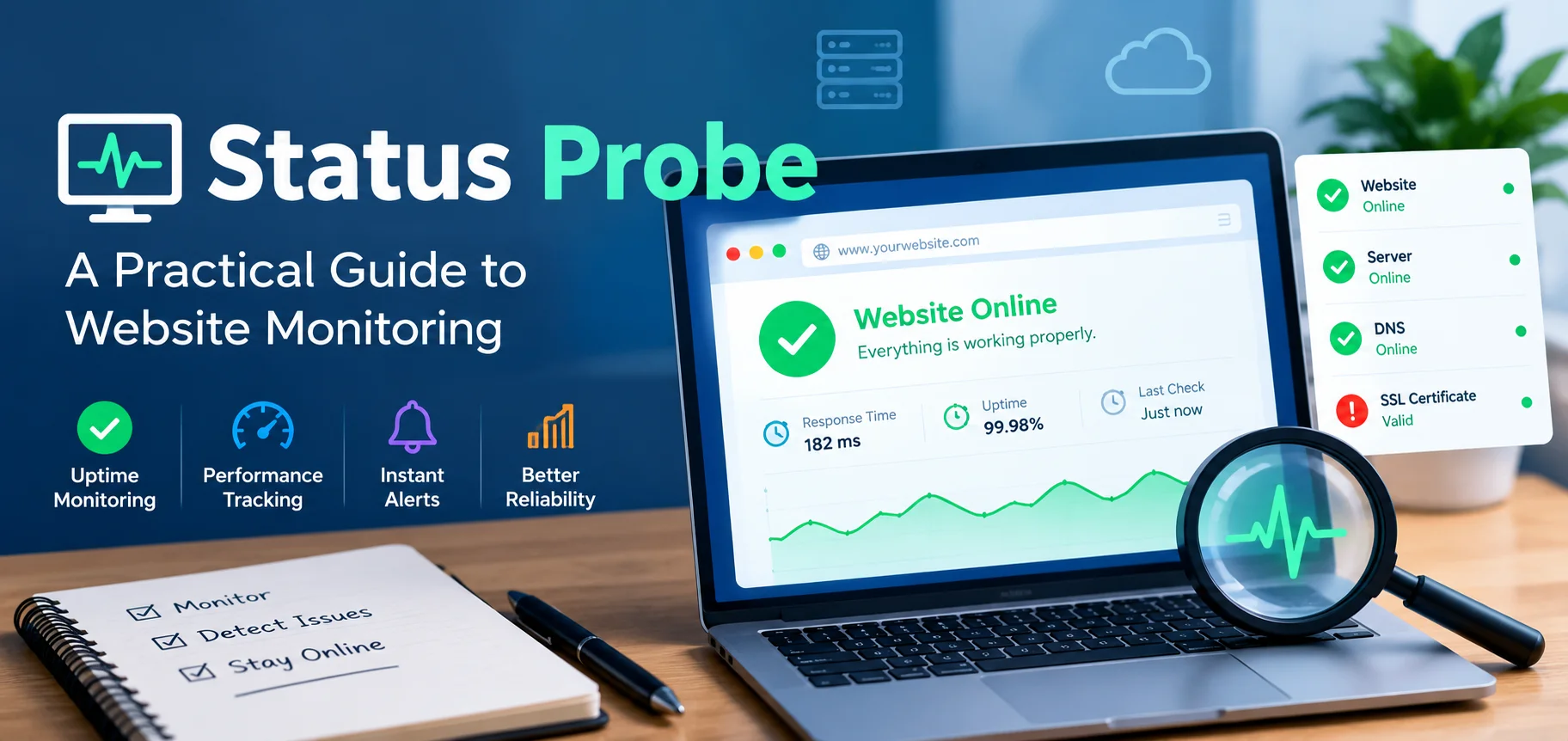
When a website becomes slow, an application stops responding, or an API returns unexpected errors, identifying the cause quickly can save valuable time. A status probe helps developers and website administrators check whether a service is responding as expected. Depending on the system, it can test an endpoint, verify application availability, or report whether a server is ready to handle requests.
Understanding the status probe concept is useful for website owners, software developers, IT teams, and businesses that depend on reliable digital services. Instead of waiting for users to report a problem, teams can use automated checks to detect potential failures and investigate them before they cause major disruption.
Status Probe and Its Role in Modern Technology
A status probe is a check designed to determine the condition or availability of a particular system component. That component might be a website, web server, API, database connection, container, or application service.
The exact meaning depends on the technology being used. In one environment, a probe may simply request a webpage and inspect the response. In another, it may ask an application whether it has completed initialization or can safely receive new traffic.
For example, a website administrator might configure a check to request a health endpoint every 30 seconds. If the application stops responding or returns an unexpected result, the monitoring system can record the failure and alert the appropriate team.
However, a successful response does not always mean that every feature works correctly. A homepage might load even when its search function or checkout process is broken. Reliable monitoring therefore combines basic availability checks with more targeted tests.
Why Status Probes Matter
Status probes help organizations understand whether their digital services are operating normally. Their value extends beyond simply knowing whether a server is online.
Key benefits include:
- Faster detection: Automated checks can identify failures without waiting for a customer complaint.
- Improved reliability: Teams can investigate recurring problems and address weaknesses before they become larger incidents.
- Better troubleshooting: Probe results help narrow down whether an issue involves the application, network, server, or a dependency.
- Safer deployments: Readiness checks can help prevent new application instances from receiving traffic before they are prepared.
- Greater visibility: Monitoring records provide useful evidence about service interruptions and recovery times.
For small businesses, these checks can protect customer trust. For larger organizations, they help support consistent service across multiple applications and infrastructure components.
How a Status Probe Works
The process usually begins when a monitoring system sends a request or performs a predefined test. The target component then returns a response, or the monitoring system records that no valid response was received.
The monitoring software evaluates the result against configured conditions. These conditions might include an acceptable HTTP status code, a response-time limit, a successful connection, or a specific health value returned by the application.
A typical workflow follows five steps:
- Configure the target: Select the website, endpoint, service, or application component to check.
- Define the expected result: Specify the response, timeout, or health condition that counts as success.
- Run the check: Perform the test manually or at a scheduled interval.
- Evaluate the response: Compare the result with the configured requirements.
- Record or report the outcome: Store monitoring data and trigger an alert when necessary.
The details vary between monitoring platforms. Some probes run from within the same infrastructure as the application, while others run externally to test availability from a user’s perspective.
Understanding Probe Results
Probe results should be interpreted in context. A successful check generally means the tested condition was satisfied, not that the entire service is free from defects.
| Result | Possible meaning | Recommended action |
|---|---|---|
| Success | The target met the configured health conditions | Continue monitoring and review trends |
| HTTP 404 | The requested endpoint or resource was not found | Check the URL, route, and application configuration |
| HTTP 500 | The application encountered a server-side error | Review application logs and recent changes |
| Timeout | The response did not arrive within the configured period | Investigate latency, server load, and network connectivity |
| Connection refused | The target rejected the connection or no service was listening | Check the service process, port, and firewall rules |
| Unhealthy status | The application reported that a defined condition was not satisfied | Inspect the failed health check and its dependencies |
These are common interpretations, not universal rules. For example, a 404 response may be expected for a deliberately nonexistent test route, while a 500 response may indicate a temporary problem or a persistent application failure.
Types of Status Probes and Their Uses
Different probes answer different operational questions. Choosing the right type helps teams detect meaningful problems without generating unnecessary alerts.
Liveness Probe
A liveness probe checks whether an application is still running and functioning well enough to continue operating. In container platforms such as Kubernetes, a failed liveness check can lead to the container being restarted, depending on the configured policy.
This type of check is useful when an application can become stuck or stop making progress even though its process remains active.
A liveness check should usually be relatively simple. If it depends on an external database that temporarily becomes unavailable, the system could restart healthy application instances unnecessarily.
Readiness Probe
A readiness probe determines whether an application is prepared to receive requests. A service might be running but still loading configuration, establishing connections, or completing startup tasks.
Readiness checks help traffic-management systems avoid sending requests to instances that are not yet prepared. They are particularly valuable during deployments, scaling operations, and application restarts.
A failed readiness check does not necessarily mean the application should be restarted. It may simply need more time or require a dependency to recover.
Startup Probe
A startup probe gives an application time to initialize before regular liveness checks become active. This is useful for software that performs lengthy startup operations, loads large datasets, or initializes complex services.
Without an appropriate startup configuration, a slow but healthy application might be restarted before it has a chance to finish initializing.
HTTP and API Health Checks
An HTTP probe sends a request to a web endpoint and evaluates the response. Depending on the configuration, it may check the status code, response body, headers, or response time.
API monitoring can go further by testing a specific endpoint or verifying that a response contains the expected data. These checks help reveal problems that a simple homepage test might miss.
For example, an online store could monitor its homepage separately from its product-search API. This distinction makes it easier to identify which part of the customer experience is affected.
Common Applications of Status Probe Technology
Status probe checks are useful across many digital environments. The best configuration depends on what the system does and which failures would have the greatest impact.
Website and Hosting Monitoring
Website owners can use probes to confirm that important pages and endpoints respond correctly. A basic external check can detect downtime, while additional checks can monitor response times and specific functions.
For WordPress websites, for example, an administrator might monitor the homepage, a critical page, and an application endpoint. If the website returns repeated server errors, the monitoring records can help determine whether the issue is isolated or widespread.
A probe alone cannot identify every cause of a failure. Hosting resource limits, caching problems, plugin conflicts, DNS errors, and security restrictions may require separate investigation.
Cloud Infrastructure and Containers
Cloud applications frequently run across multiple servers or container instances. A probe helps the platform decide whether an instance should receive traffic, continue running, or be restarted.
These checks become especially important when applications scale automatically. A newly created instance may need additional initialization time, while an unhealthy instance may need to be removed from traffic until it recovers.
APIs and Business Applications
Businesses often rely on APIs to exchange information between websites, payment systems, inventory services, and other applications.
A status probe can confirm that an endpoint responds, but a stronger health check may also verify that a required operation succeeds. Sensitive operations, such as actual payments or production data changes, should not be triggered merely to test availability.
For critical services, separate checks for connectivity, application health, and essential business functions provide a clearer picture of system performance.
How to Troubleshoot a Failed Status Probe
A failed probe is a signal to investigate, not proof that a particular component is broken. A structured troubleshooting process helps reduce guesswork and prevents unnecessary changes.
1. Confirm the Target and Expected Response
Start by checking the endpoint, hostname, port, protocol, and configured success conditions. A typo in the URL or an incorrect expected status code can make a healthy service appear unavailable.
Also confirm that the endpoint is intended for monitoring and that authentication or access restrictions are configured appropriately.
2. Check Server and Application Logs
Review the relevant application, web server, and infrastructure logs around the time of the failure. Look for error messages, process restarts, resource exhaustion, failed connections, and recent configuration changes.
Comparing logs with probe timestamps can help identify a recurring pattern.
3. Investigate Network Connectivity
Check DNS resolution, routing, firewall rules, TLS certificate validity, and the service’s listening port. A service may be healthy internally but unreachable from an external monitoring location.
If internal checks succeed while external checks fail, focus on the network path, security configuration, reverse proxy, or public endpoint.
4. Review Timeouts and Resource Usage
A timeout may result from high CPU usage, insufficient memory, slow database queries, network congestion, or a timeout setting that is too restrictive.
Measure normal response times before changing thresholds. Increasing a timeout without understanding the delay may hide a real performance problem.
5. Test Again After a Targeted Fix
Make one controlled change at a time, then repeat the same test. Confirm whether the service has recovered and whether the original failure can still be reproduced.
Document the cause and the corrective action. This record can help prevent repeated incidents and make future investigations faster.
Best Practices for Reliable Status Probe Monitoring
Good monitoring should detect meaningful failures while avoiding unnecessary restarts, false alarms, and excessive infrastructure load.
- Choose meaningful endpoints: Test the services and functions that matter most to users rather than relying on one generic URL.
- Set realistic thresholds: Base timeouts and failure limits on observed performance and the needs of the application.
- Separate health conditions: Use liveness, readiness, and startup checks for their distinct purposes where the platform supports them.
- Protect sensitive information: Avoid exposing credentials, database details, internal network information, or other confidential data through health endpoints.
- Review monitoring regularly: Revisit probe frequency, alert rules, dependencies, and recovery procedures as the application changes.
One additional practice is to avoid checking every dependency during every basic health request. A database outage, for example, should not automatically cause a chain of unnecessary application restarts. Health checks should reveal useful conditions without creating additional instability.
Choosing a Status Probe Strategy for Your System
There is no single configuration that works for every application. A personal website may need only a simple availability check and an alert, while a high-traffic application may require multiple probes, regional monitoring, and detailed performance tracking.
Start by identifying the most important question you need to answer: Is the service reachable? Is the application running? Is it ready for traffic? Or can it complete a critical task?
Then choose the simplest check that reliably answers that question. Add deeper checks only when they provide useful information or reduce a meaningful operational risk.
For a small website, a practical starting setup could include an external HTTP check, a response-time threshold, and an alert after repeated failures. A larger application might need separate internal health checks, readiness controls, and synthetic tests that simulate important user journeys.
The goal is not to create the largest number of checks. It is to gain reliable, actionable insight into the condition of the service.
Missing Information That Can Improve a Status Probe Setup
The term status probe can refer to different tools and implementations. Without a specific product, URL, or technical environment, it would be misleading to claim that one particular command, website, or configuration applies to every use case.
To make a status probe setup more useful, identify these details first:
- Platform: Is the check for WordPress, Kubernetes, a cloud server, or an API?
- Monitoring goal: Are you checking uptime, application readiness, performance, or a particular feature?
- Failure conditions: Which errors or delays should trigger an alert?
- Recovery process: Should a failure generate a notification, remove an instance from traffic, or trigger a restart?
An important improvement is to monitor the experience users actually depend on. A website can return a successful HTTP response while its search, login, or checkout function remains broken. Combining a simple availability probe with a small number of targeted functional checks can reveal these problems earlier.
Frequently Asked Questions
1. What does a status probe do?
A status probe checks whether a service or application meets defined health or availability conditions and reports the result.
2. Is a status probe the same as uptime monitoring?
Not exactly. A status probe is one type of health check, while uptime monitoring often combines repeated checks, historical records, and alerts.
3. Why does a status probe fail?
Common causes include server errors, network interruptions, incorrect endpoints, slow responses, unavailable dependencies, and misconfigured thresholds.
4. Can a status probe restart a server?
A probe typically reports a condition. However, a platform or monitoring system may be configured to restart a container, remove an instance from traffic, or trigger another recovery action.
5. How often should a status probe run?
The interval depends on the service’s importance, acceptable detection delay, infrastructure capacity, and monitoring requirements. There is no universally correct interval.
Final Thoughts
A status probe is a practical tool for understanding whether a website, application, API, or server is operating as expected. When configured carefully, it helps teams detect failures, investigate performance issues, and maintain dependable digital services.
The most effective approach combines meaningful health checks, sensible thresholds, clear alerts, and a reliable troubleshooting process. It also distinguishes between a service that is running, one that is ready to receive traffic, and one that can successfully perform its essential tasks.












Leave a Reply